

Backlinks remain one of the critical factors influencing a website’s visibility in search engines, its authority, and its resilience in the face of competition. In this article, we will explain how to view backlinks to a website, what to look for during analysis, and which tools are best used for such checks.
What Are Website Backlinks?
Backlinks, or inbound links, are links from other websites that lead to your resource. For search engines, they serve as a kind of signal of trust: if other platforms link to a page, it means it can be useful, relevant, and worthy of attention.
The more high-quality, relevant backlinks a website has, the higher its chances of strengthening its positions in search results. Conversely, poor or spammy links can harm promotion. Consequently, checking a website for backlinks and analyzing the link profile should be regular and thorough.
How to Check Backlinks to a Website: 5 Best Tools
To evaluate a website’s link profile, you need services that show backlinks, referring domains, anchors, new, and lost links. Below is a collection of popular tools for checking.
1. Ahrefs
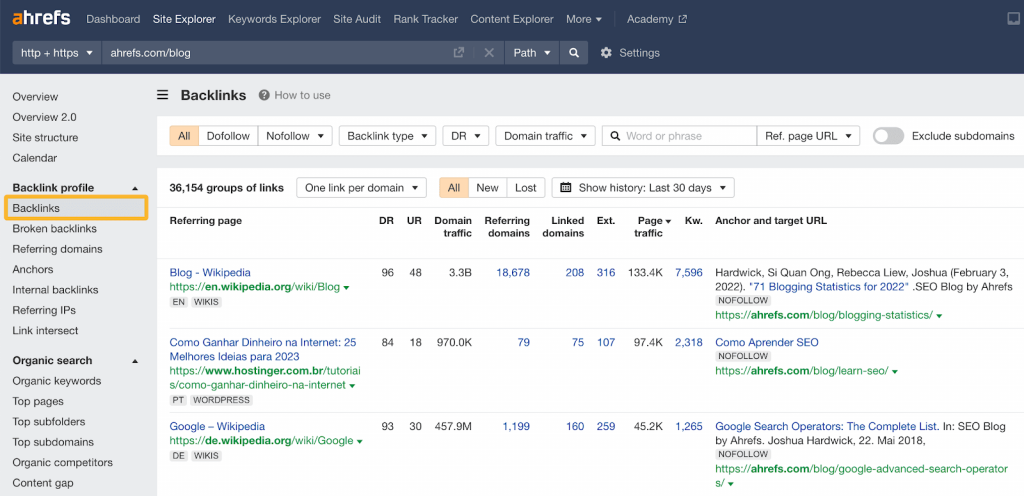
This is one of the most sought-after tools among SEO specialists for backlink analysis. The check is performed via Site Explorer → Backlinks and allows you to find out which sites and pages link to a domain or a specific URL, which anchors are used, and to see new, lost, and historical links. Separately, the service shows referring domains and key SEO metrics, including Domain Rating.
On Ahrefs, you can check backlinks as a list, view referring pages, target pages, anchors, new and lost links, referring domains, and quality metrics.
2. Semrush
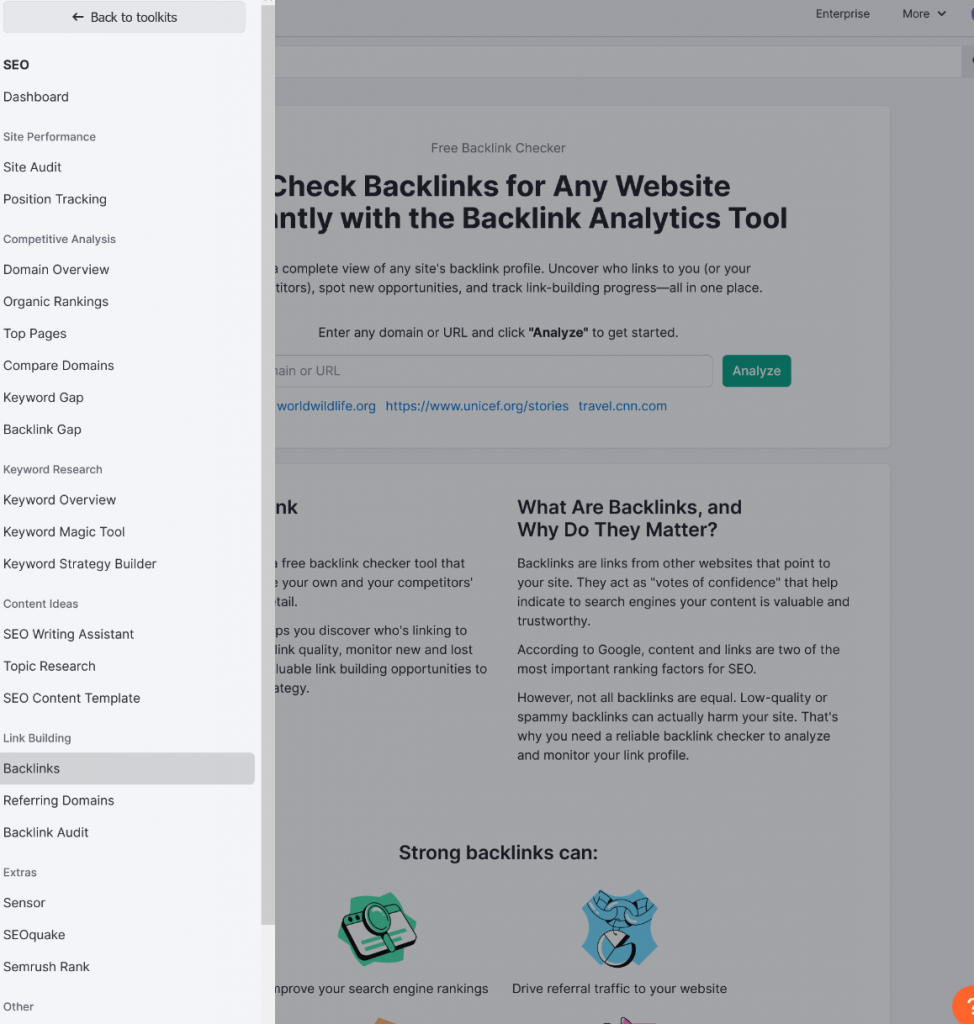
Semrush is suitable for analyzing backlinks and comparing the link profile with competitors. In the Backlink Analytics section, you can view the list of backlinks, referring domains, anchors, new and lost links, as well as pages that receive the most links. For competitive analysis, it is convenient to use Backlink Gap — it helps find sites that link to competitors but do not link to you.
In the tool, you can check backlinks, referring domains, anchors, new and lost links, pages with the highest number of links, and overlaps with competitors. An additional plus of Semrush is that after the analysis stage, you can move on to practical work with links.
3. Majestic
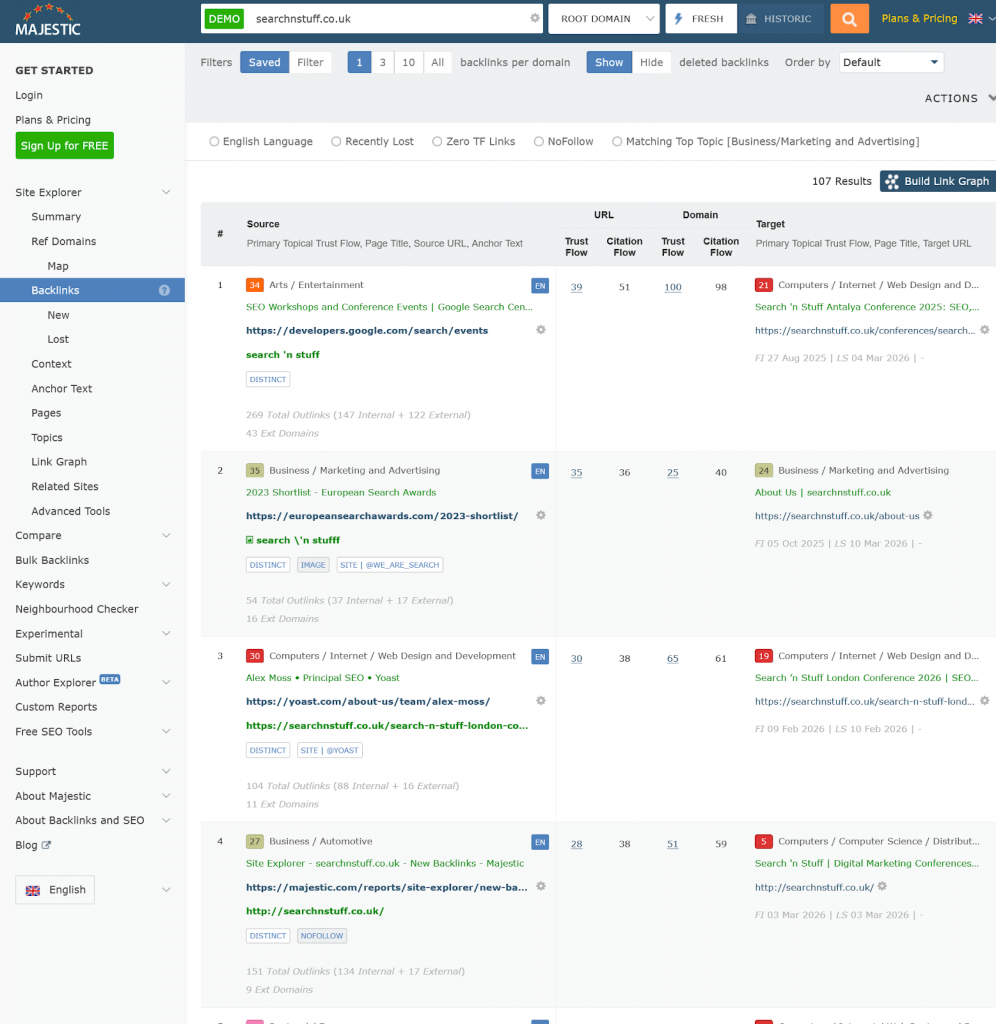
This service is valued by specialists who, in addition to knowing how to view backlinks to a site, need to conduct a deeper and more targeted analysis. Majestic is a tool with a focus specifically on the link profile. Here you can see backlinks, anchors, referring domains, and proprietary metrics like Trust Flow and Citation Flow. The former helps assess the quality of links, the latter — their overall weight. The service also shows Topical Trust Flow, which allows understanding the topic of the website’s link environment.
At the same time, for beginners, the interface and logic of the service may seem less intuitive than those of Ahrefs or Semrush. But if you need a tool with an emphasis specifically on backlinks, Majestic definitely deserves a place among the best.
4. SE Ranking
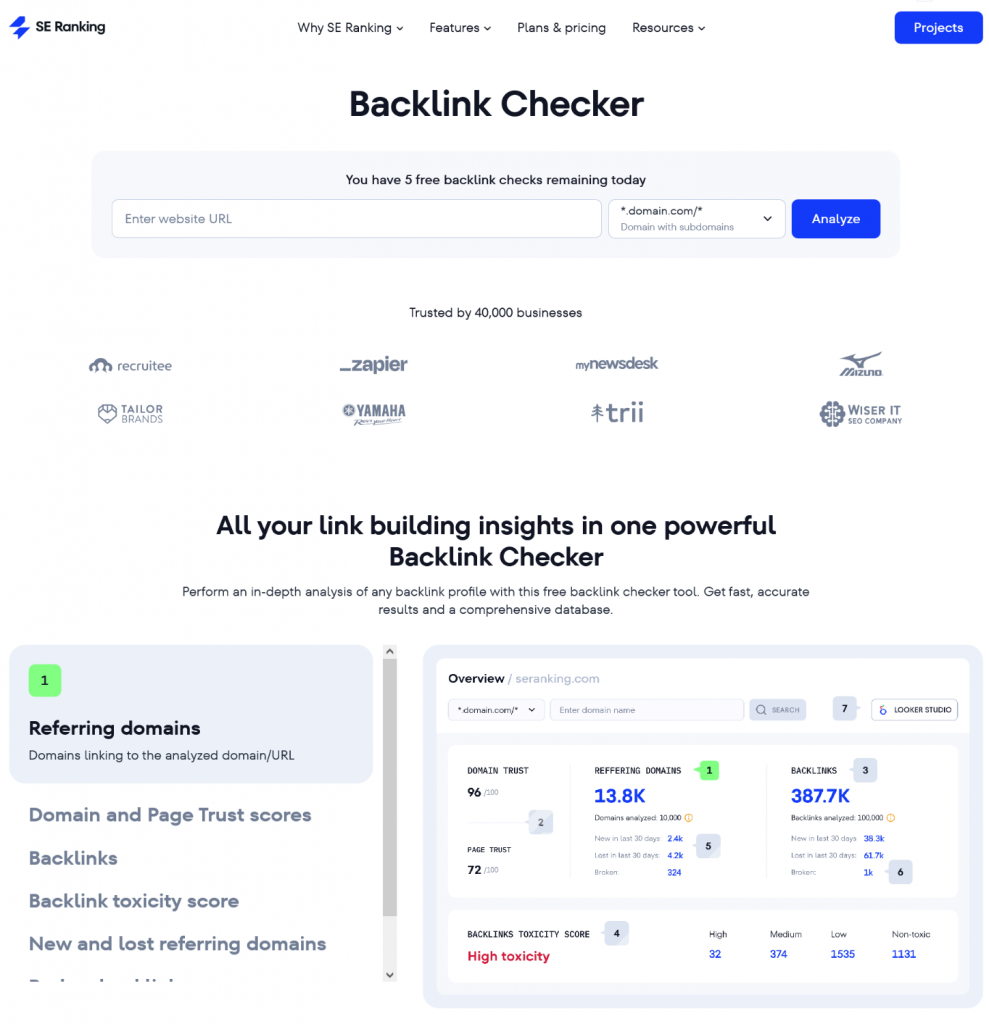
A convenient tool for those looking for a way to view backlinks without an overly complex interface and overloaded reports. In Backlink Checker and Backlink Monitoring, you can view links to a domain, subdomain, or page, see referring domains, anchors, new and lost links, as well as Domain Trust and Page Trust metrics. The service is suitable for regular monitoring of the link profile without a cluttered interface. The main plus of SE Ranking is the balance between functionality and convenience.
5. Linkody
Due to its simpler interface, Linkody is often chosen by small teams, freelancers, and website owners who need to find out website backlinks without getting lost in complex functionality. The main operational report is the Links Report: it contains all found links, their status, and basic SEO parameters. In the service, you can view the source page, target page, anchor, link type, and track new links and changes in already discovered backlinks. Separately, Linkody shows a general overview of the link profile broken down by metrics, spam level, and anchors.
Conclusions
The choice of tool depends on the tasks, budget, and level of expertise: Ahrefs, Semrush, or Majestic are more often chosen for deep link profile analysis, while SE Ranking and Linkody are suitable for simpler and regular monitoring. The main thing is not just to look at backlinks from time to time, but to do it regularly to notice lost mentions in a timely manner, evaluate the quality of donors, and find new opportunities for site growth.We remind you that referring domains from the RankExplore database undergo thorough manual verification by our specialists. This approach guarantees the high quality of each platform and excludes the presence of resources with manipulated metrics or questionable characteristics. Thanks to detailed monitoring, you gain access only to verified donors that most effectively transfer weight to your project.

Leave a Reply